01
Use your hardware
Turn a compatible tablet, computer or existing photobooth into a CloudBooth device instead of buying a locked system.
Use your own tablet, computer or photobooth hardware to create memorable experiences for birthdays, weddings, business events, festivals and venues. Keep capturing without internet and sync everything when the connection returns.
Get started Learn moreOne platform, whatever you are creating
Photobooth Cloud works for a birthday at home, a small photobooth business, a brand activation or a network of booths across multiple venues. Use the same simple workflow to design, publish, capture and share.
01
Turn a compatible tablet, computer or existing photobooth into a CloudBooth device instead of buying a locked system.
02
Start from a ready-made template, build your own experience in the browser, or import layered Photoshop and Illustrator artwork.
03
The booth stores the event locally, keeps capturing without internet and syncs photos and event data when the connection returns.
04
Guests can receive photos through QR, email or SMS, while you keep the gallery, downloads and event information together.
Cloud Studio
Import Photoshop and Illustrator artwork while keeping supported text, images, shapes and effects editable. When something cannot be edited directly, CloudBooth keeps it looking right and clearly explains what was converted.
Search layers, lock objects, use keyboard shortcuts and restore earlier versions when needed.
Use snapping, guides, safe areas, crop controls and multiple screens within one design.
Add buttons, navigation, guest questions, capture screens, sharing steps and final outputs.
CloudBooth tells you what stayed editable and keeps the original appearance when a feature needs to be converted.

Cloud Studio shown with sample event artwork.
See what is possible
Preview the experience before event day, share it with friends, clients or your team, and make changes before the booth goes live.
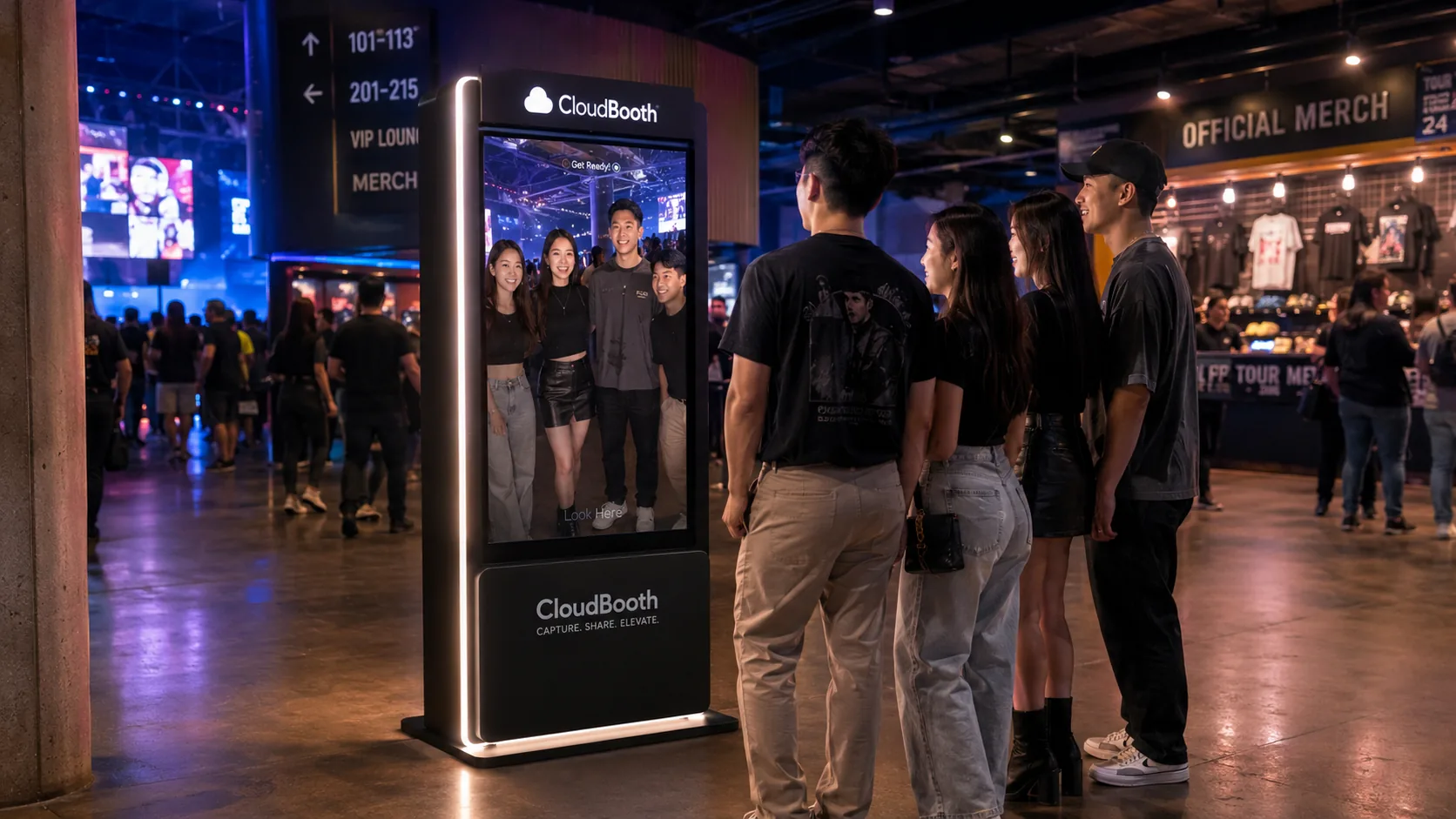
Live event activation
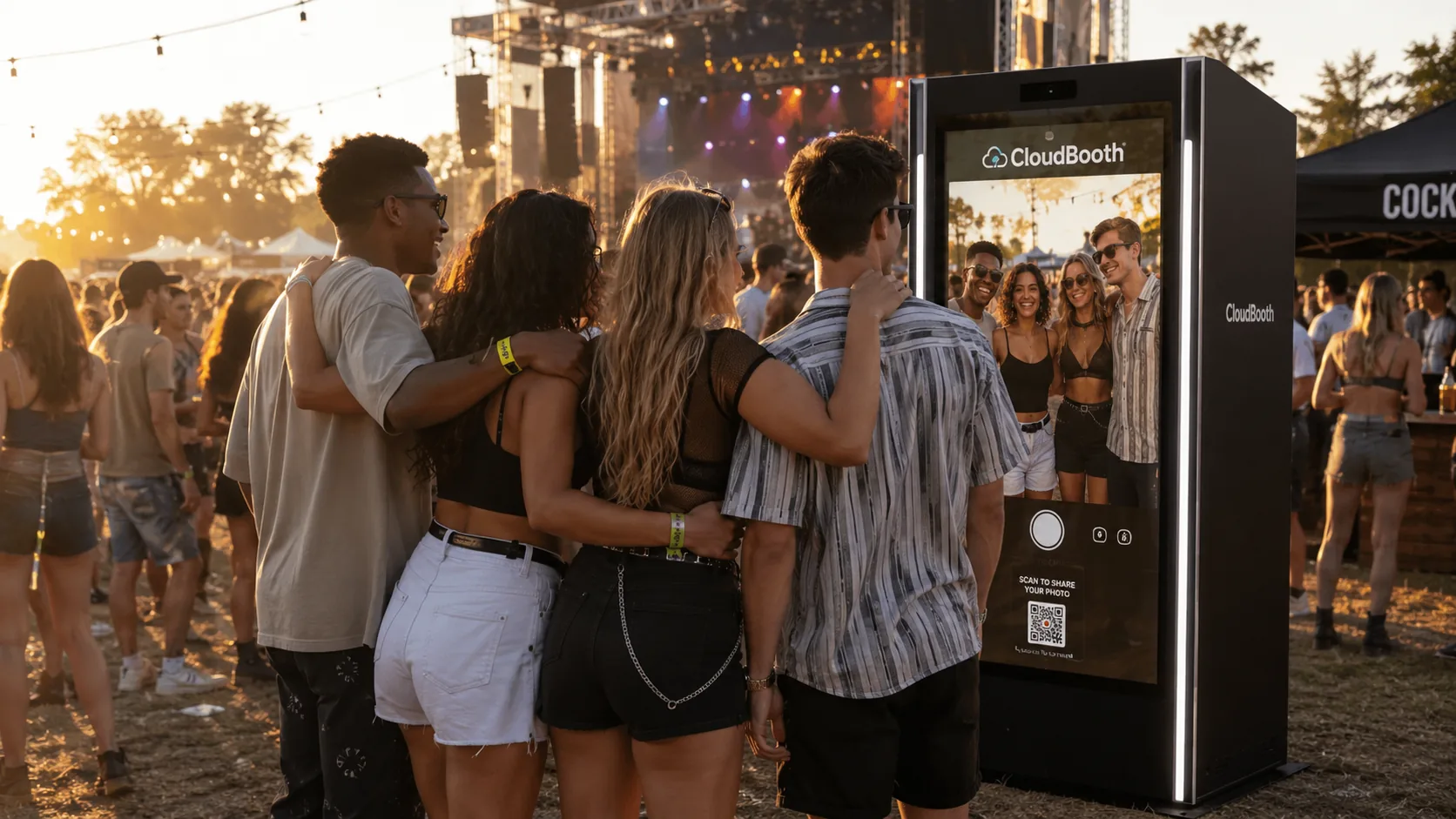
Outdoor activation

Branded experience
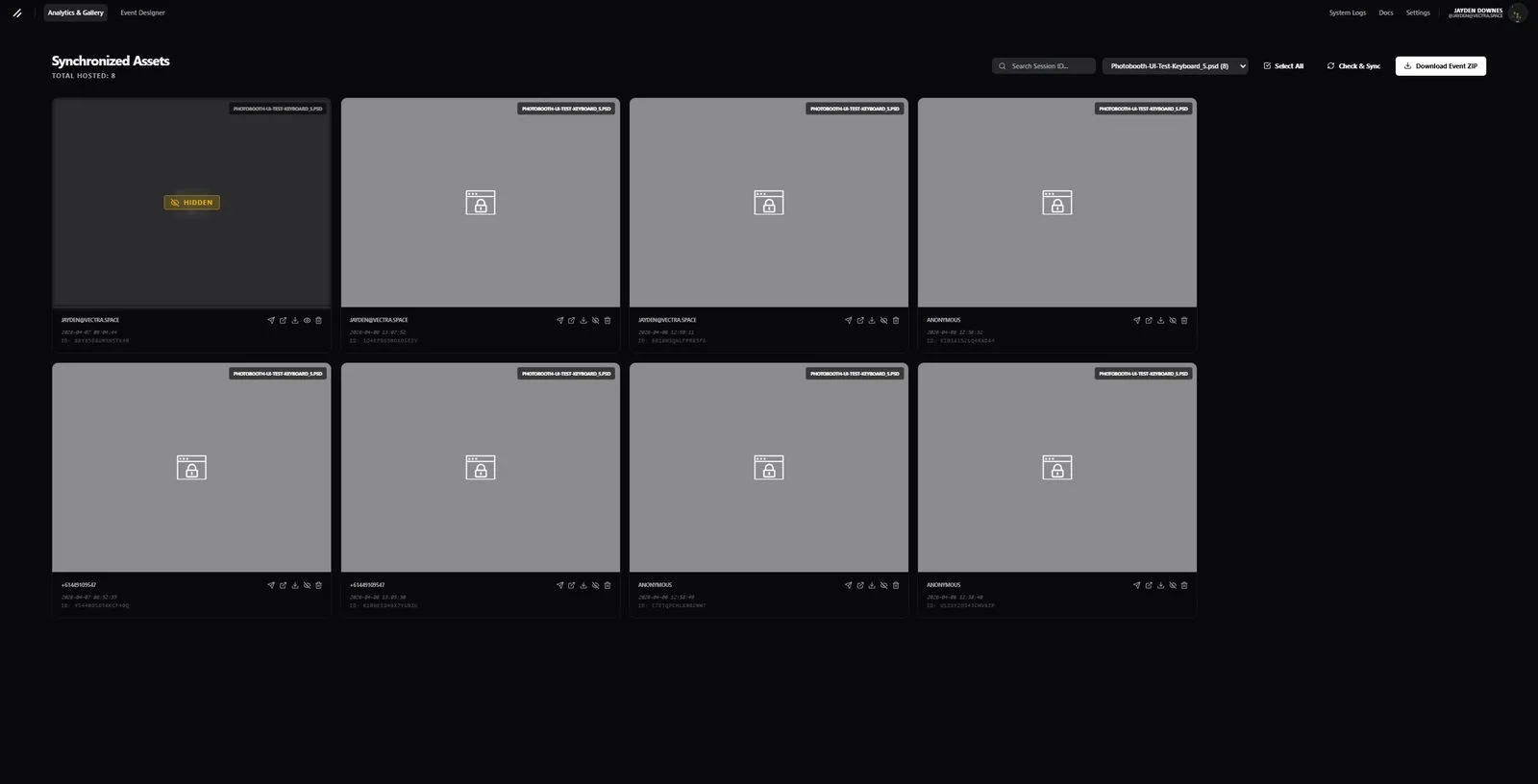
Before the event
Start from a template or your own design, customise it for the event and schedule it to the right booths.
After the event
Review photos and guest details, export reports and reuse successful designs for future events.
Operational advantages
CloudBooth separates creative design from booth hardware. Build the experience in the browser, publish it to one or many devices, keep operating through connectivity problems, and manage the fleet without visiting every booth.
Build multiple screens with editable layers, actions, animation, camera preview / displays and imported PSD / Illustrator artwork.
Published events and captures can stay local while internet access is unavailable, then synchronise when connectivity returns.
Inspect booth health and current screens, sync or switch layouts, test cameras and send supported remote commands.
Set event camera defaults centrally, then override camera selection, flip, rotation and filters for an individual booth when its physical setup differs.
Use QR, public galleries, email and SMS, with optional gallery passwords and support for customer-configured email/SMS providers where enabled.
Use compatible tablets, computers, cameras and existing photobooth builds rather than making the event design depend on a single proprietary hardware package.
How it works
No specialist hardware package or complicated server setup is required to get started.
Choose a plan and create your workspace for a personal event, business or team.
Install the booth app on a compatible tablet, computer or photobooth, then pair it using a simple code.
Pick a template, customise it in the browser, or import your own Photoshop and Illustrator artwork.
Send the event to your booth. It downloads what it needs and keeps working even when internet access is unavailable.
Guests capture their photos and receive them through QR, email or SMS. Photos also appear in the event gallery when synced.
Compare your options
CloudBooth focuses on an open hardware path, layered event design, offline operation and remote fleet control. “Varies” means the competitor offers a related capability but the workflow, platform or availability differs.
| Feature | CloudBooth | LumaBooth | Touchpix | Booth.Events | Snappic |
|---|---|---|---|---|---|
| Bring your own hardware | ✓ | ✓ | ✓ | Varies | Varies |
| Multiple device / OS options | ✓ | Varies | ✓ | Varies | Varies |
| Offline booth operation | ✓ | ✓ | ✓ | ✓ | ✓ |
| Layered browser event editor | ✓ | Varies | Varies | Varies | Varies |
| PSD / Illustrator import | ✓ | — | — | — | — |
| Multi-artboard / screen flows | ✓ | Varies | Varies | ✓ | ✓ |
| Camera preview / displays & capture actions | ✓ | Varies | Varies | Varies | Varies |
| Public gallery sharing | ✓ | ✓ | ✓ | ✓ | ✓ |
| Optional gallery password / expiry | ✓ | Varies | Varies | ✓ | Varies |
| QR, email & SMS delivery | ✓ | ✓ | ✓ | ✓ | ✓ |
| Custom email provider | ✓ | Varies | Varies | Varies | Varies |
| Custom SMS provider | ✓ | Varies | Varies | Varies | Varies |
| Remote event publish / scheduling | ✓ | ✓ | ✓ | ✓ | ✓ |
| Remote booth control & diagnostics | ✓ | Varies | Varies | Varies | Varies |
| Per-device camera overrides | ✓ | Varies | Varies | Varies | Varies |
| Booth-specific camera overrides | ✓ | Varies | ✓ | Varies | Varies |
| Guest data & consent controls | ✓ | ✓ | ✓ | ✓ | ✓ |
| API / integration access | ✓ | Varies | Varies | Varies | Varies |
Competitor capabilities can change by device, licence and release. This table is intended as a workflow comparison rather than a certification of feature parity; confirm current product requirements before purchasing.
Plans for one event or many
Choose a plan for a personal event, a single booth or a growing business. Prices, limits and included features update automatically from the plans configured in CloudBooth.
Test Plan 2
More booths, storage and features when you are ready to grow.
Choose Test Plan 2Common questions
Yes. Create an account, connect a compatible tablet or computer, choose a template and publish the event. You do not need to run a photobooth business to use CloudBooth.
Yes. CloudBooth is designed to work with compatible tablets, computers and existing photobooth setups, so you are not locked into one hardware package.
Yes. Import PSD and Illustrator artwork, start from a template, or build directly in the browser. CloudBooth keeps supported parts editable and preserves the appearance of anything it needs to convert.
Yes. Once an event is published, the booth stores the design and event settings locally. It can keep capturing photos offline and will sync when the connection returns.
Yes. Each customer or brand can have its own users, events, files, galleries, sending details and billing, while you manage everything from one account.
Your hardware. Your design. Your event.
Create an account, connect your hardware, choose or design an experience, publish it and start capturing—online or offline.