Find the workflow, fix or answer.
Every CloudBooth help document is public. Search without signing in, then follow the guide that matches what you are trying to do.
From a new workspace to a working booth
Follow the workflow below in order. It covers where to navigate, how to build an event, how to connect a booth, how to test the guest journey and where to manage a live booth. Live photos/media are stored in the organisation’s private Cloudflare R2 target; local disk is cache/staging only. Each step links to the detailed public guide.
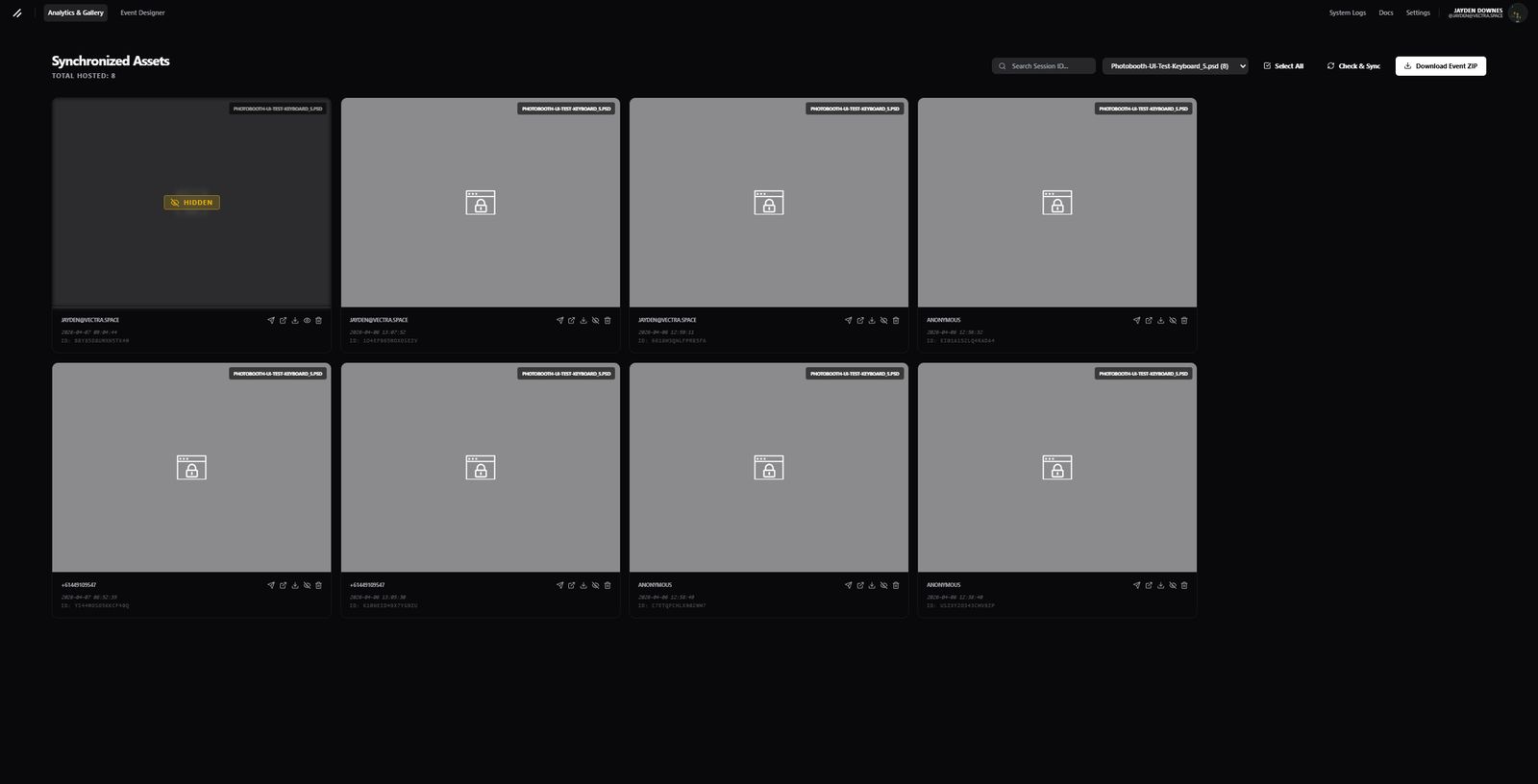
- 1Navigate the workspace
Understand where Designer, galleries, Booth Control, Logs and Settings live, and what each area is for.
- 2Create or import an event
Create a blank event, copy a template or import layered artwork, then confirm page size and layer order.
- 3Build the guest flow
Link buttons and layers to pages/actions, add capture and camera-preview behaviour, inputs, QR and delivery steps.
- 4Install and pair the booth
Install the booth client, obtain the pairing code, approve the device and confirm it appears online.
- 5Test before going live
Preview every page, activate the event, force sync the booth and complete a real capture, gallery and delivery test.
- 6Manage the live booth
Use Booth Control for sync, camera overrides and remote actions; use Logs and Troubleshooting when something fails.
Getting started
Navigation, permissions and the standard event workflow.
Analytics & Gallery
Review captures, moderate content, resend sessions and manage public galleries.
Event Designer
Create or import a design, use artboards and layers, link actions and preview the finished experience.
Building interfaces
Camera, input, QR, delivery, animations, activities and multi-screen guest flows.
Templates
Publish reusable designs and create safe event copies.
Booths & remote control
Pair devices, monitor health, override camera settings and send remote commands.
Troubleshooting
Search grouped Editor, Booth, Gallery, Delivery, Account and platform fixes.
System status
See the latest recorded health of public CloudBooth services without signing in.
Error reference
Search CloudBooth error codes, what they mean and the next resolution step.
Billing & usage
Plans, limits, invoices, payment methods, add-ons and cancellation.
Settings & administration
Profiles, roles, security, storage, communications, Booth Control integrations and administrator operations.
Administrator guide
Public operating guide for updates, rollback, environments, security, diagnostics and change control.
Developer API
Use the public REST endpoints, bearer keys and request diagnostics.
Find fixes by area
Open only the area you need. The full Troubleshooting chapter includes the searchable error reference and deeper diagnostics.
Editor
Booths & cameras
Gallery & delivery
Still need help?
Include the organisation, booth, event, session ID, time, request ID and exact error code where available.